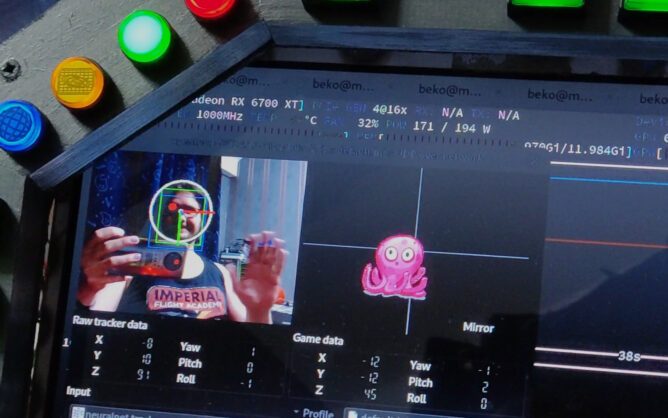
It has been a while that I tried #StarCitizen. With the new #Neuralnet Tracker plugin (AI haha) for #OpenTrack we get head tracking without annoying IR LEDs or reflecting stripes just by reading the webcam video feed. This is apparently fast enough to try #headTracking without a dedicated #headTracker nowadays. And all that on a #Linux PC. Took some fiddling but the concept still works. What a time to be alive.
I’m flabbergasted how good this tracker-neuralnet plugin for #OpenTrack works. It does the #headTracking with just a webcam without any clips, reflectors or LED stripes. I kinda expected this to not work really well in a dark room, that I prefer for gaming, but I was wrong. Even with a tiny light in one corner of the room only it kept tracking flawless.
…can even scratch my nose and it keeps tracking.
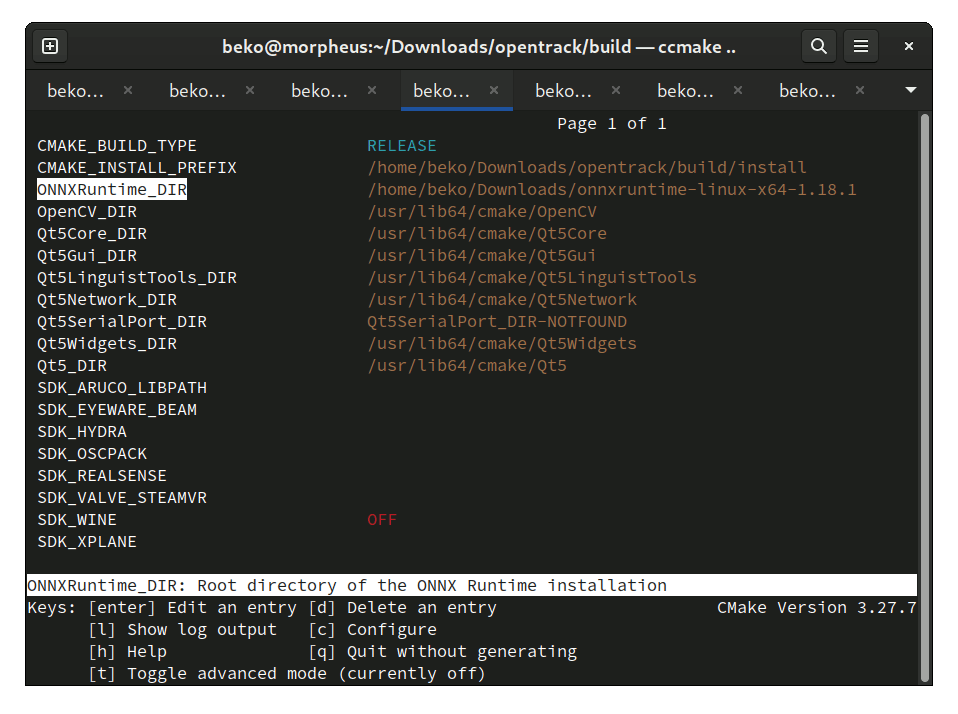
To get this neuralnet tracker input in the first place I had to download the ONNX runtime package onnxruntime-linux-x64-1.18.1.tgz from https://github.com/microsoft/onnxruntime/releases/tag/v1.18.1 (My Fedora offered 1.15.1 from it’s repo but this was at the time of writing not sufficient and having it installed resulted in failure due to an API mismatch). I didn’t even install it somewhere, just unpacked it in my Downloads folder.
Back in my OpenTracks folder I run cmake the way I’ve done it before several times but this time I added the unpacked onnxruntime folder to the config.
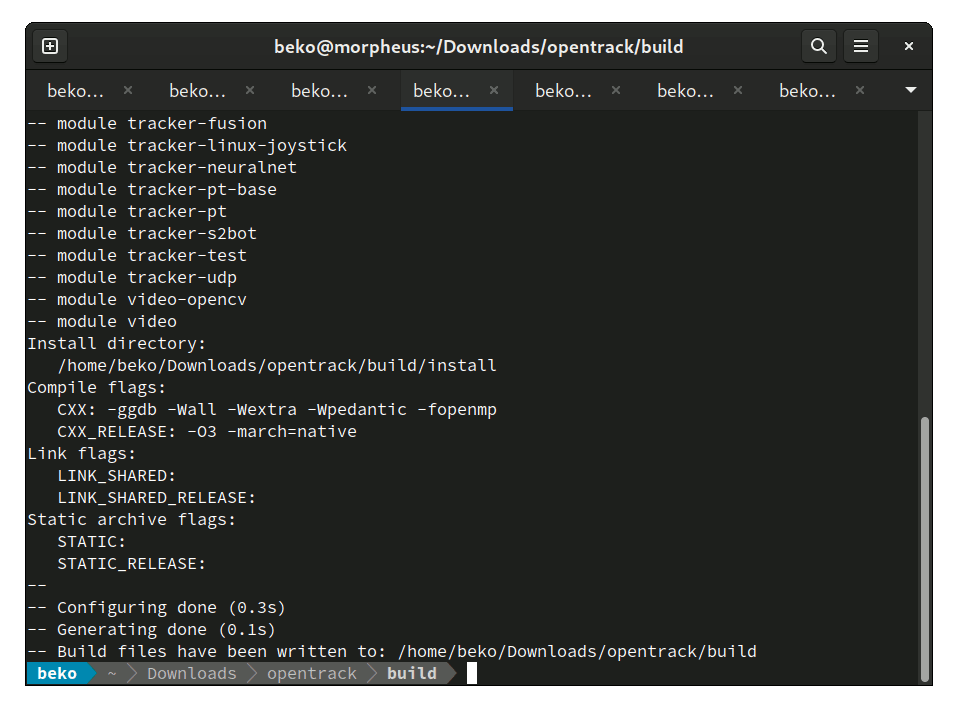
Configure did it’s magic (note how it picked up module tracker-neuralnet once the ONNXRuntime_DIR was set) and here we are one make later. This is rather impressive 🤓
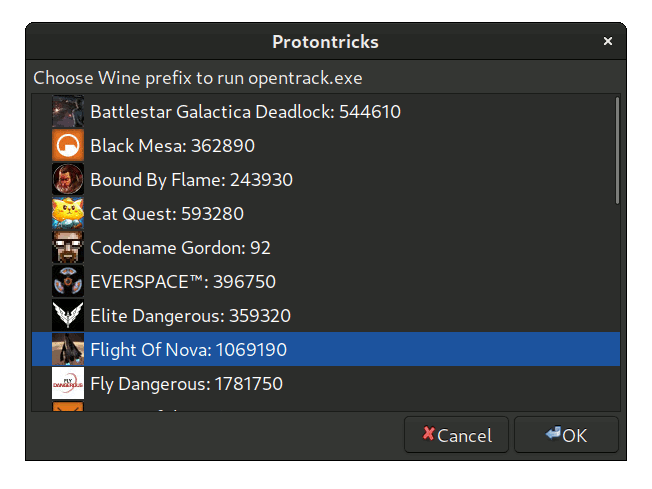
TIL (and I know I’m late for the party): protontricks can set the env for Steam in a very comfortable way to run another exe in the same wine prefix/bottle/compatData folder for an already running game. Useful for companion apps of games or e.g. OpenTrack. I used to do this manually with little scripts 🤓
I had the chance to play Flight Of Nova (https://flight-of-nova.com/) for the first time today. This was on my wishlist for quite some time now. Dived in blind and had no idea what to expect. 3 tutorial missions later: Oh boy… this is hard. I can see myself sinking many hours in this.
Anyway, as usual, my focus is on interfacing with my home cockpit (or simpit) and while there is no ship telemetry [yet?] I was able to get it running just fine via Proton and with my DIY headtracker using OpenTrack. Hats off, seldom that I see a game that detects my joystick just fine, has great ingame calibration, offers me a windowed mode and a bunch of ultra width resolutions without having to resort to hacking config files or use gamescope to resize it ❤️
Head tracking is, as usual, TrackIR only so far (I guess the native Linux PC version does not have UDP in place here but I couldn’t check due Steam refusing to download another version today). Anyway, you can see me fooling around with the buttons and do an A+ crash landing in the end – sunny side up 😆 Not too shabby considering that this was my 3rd landing at all.
No Man’s Sky with headtracking and HOTAS (on Linux PC)
Wondering about that button box? Didn’t use it in this demo but you can find plenty more examples on the channel and more details on my blog: https://beko.famkos.net/category/simpit/
How it’s done? NMS does support a gamepad but it also reads/maps all gamepads to a single device. It makes no difference between multiple gamepads!
This leaves me with a very limited amount of possible buttons on the HOTAS after mapping that to one virtual gamepad using MoltenGamepad (I usually split that one up into multiple gamepads for braindead games).
So for additional buttons I used AntiMicroX to map the rest as keyboard presses.
Doing so I noticed that NMS does “look-around” on the right stick and this is where OpenTrack comes into the play. It offers a joystick output (using evdev) and that is also just… a gamepad! Needs some remapping though to get pitch and jaw to the proper axis for NMS. This is done via SDL env (basically what Steam does under the hood but boy their GUI for that sucks): SDL_GAMECONTROLLERCONFIG="000022e86f70656e747261636b206800,opentrack-to-nms,rightx:a3,righty:a4,platform:Linux,crc:e822,"
And there you have it. NMS with my trusty old X52 Pro and a DIY headtracker for 5 bucks 🤓
PS: I’m aware that the recording quality sucks. This was very spontaneous with a webcam sitting on my chair. I basically just finished my happy dance that this started working properly and decided to smash that recording button. PC was not even in “gamemode”.
Putting this here so I don’t forget it next time: Required packages to build #OpenTrack on Linux PC (with joystick output support): dnf install cmake git qt5-qttools-devel qt5-qtbase-private-devel procps-ng-devel opencv-devel libevdev-devel
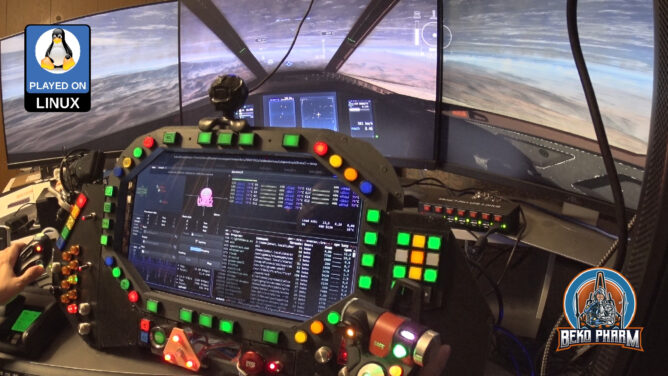
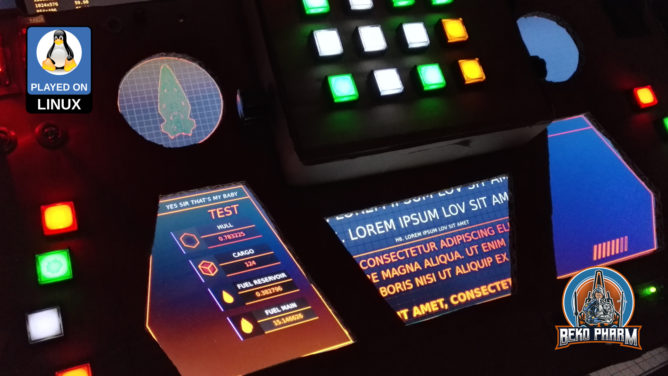
The last update has been a while. I focused my attention to the MFDs (Multi-function display). This part didn’t get much attention yet and I was caught between the difficult choice to learn yet another fancy framework, like Raylib, that would do OpenGL ES 2.0 without X11 on the Raspberry – or just throw the might of my CoffeeLake at it and go with ReactJS since most of the data was already available via NodeRED anyway. Also… ARWES is just so cool 🤩
I went with ReactJS and ARWES again, simply because I have some experience in this by know thanks to my Streaming Overlay I wrote with it. Hobbling it up to NodeRED was just a matter of installing SocketIO to transport the messages. It’s all a very hacky mess but it gets the job done.
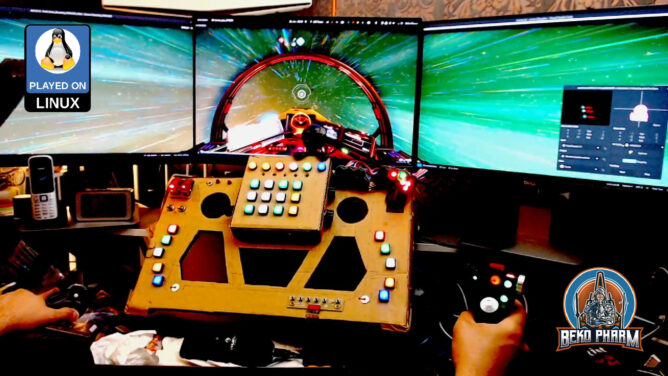
Video demonstration of my simulated cockpit made from cardboard on a budget mainly used to play Elite Dangerous in early 2022. This is work in progress.
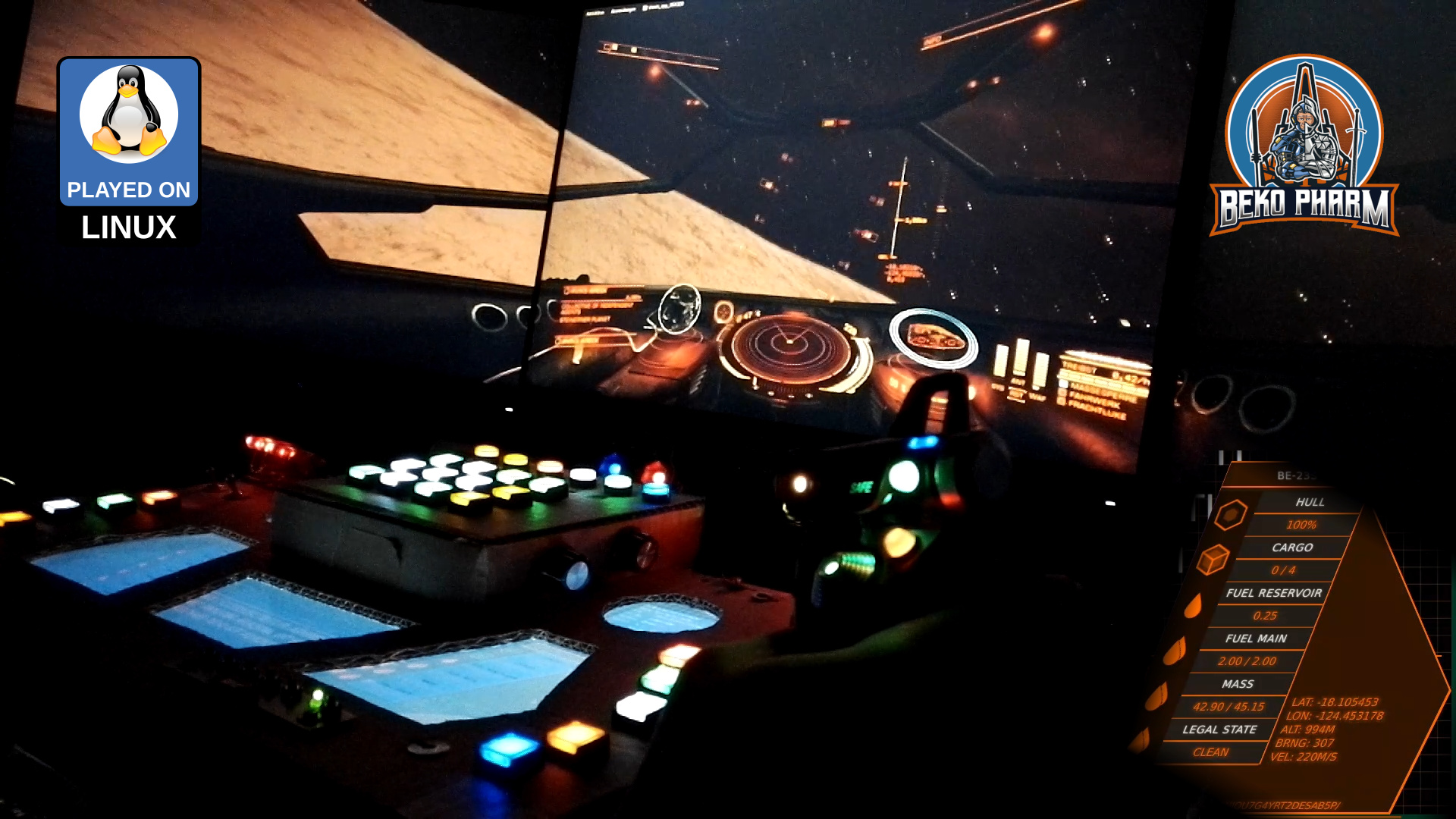
While seeking through the available data I noticed that I don’t get velocity values from Elite. That’s not so important in space but _kinda_ interesting for me in planetary flight to satisfy the flight sim gamer in me as well. I noticed tho that I do get timestamped latitude, longitude and altitude values so shouldn’t it be possible to “simply” calculate this, right? Right?
This was when I dived into the rabbit hole of calculating velocity and heading on planetary objects using a spherical coordinate system and while I didn’t nail it exactly how Elite does it the result is close enough. The game provides the required data to go crazy here – most important the radius of the current object. In _theory_ I could start writing some primitive AFS (Auto Flight System) routines now, which I’m totally going to explore at some point in the future just because 🤓
Checking my maths – yes, altitude is added to the mix so velocity is mostly correct as long as no rapid course changes are made
After spending way too much time with this and the Pythagorean theorem (Yes mum, a game made me do maths. MATHS! 🤯) I settled with some calculations and data for my current ship to the right and targeted ship data on the left. This is sort of tricky because many game events update different parts of the data so timestamps have to be kept in mind and a game specific parsing strategy is required. See the last part of the demonstration video to get an idea how this looks.
Improving situational awareness by putting the video feed of wingman / gunner on the central MFD.
Another point to tick off my list was getting the head tracking to work in Elite (again). Now this is very Linux PC specific so you may tune out on this paragraph. On Linux PC I’d usually compile Opentrack with the Wine Glue, patch in my appdata dir for Proton and hope that it’s still ABI compliant to Just work™. Alas recent Proton is sandboxed within pressure vessel and the usual approach of memory mapping is simply no longer working, if I got the gist of this right.
So my _current_ strategy is to download and drop the Windows build of Opentrack into the game folder and chain-load the EXE with the game where the Opentrack EXE would listen on UDP while my native Opentrack BIN would send via UDP. A task not made easy with Proton but it is possible. The following snippet may give you some pointers:
Why running Opentrack twice? The native build performs a lot better with my webcam and every frame really count here. Reading data via UDP is not much of a burden for Proton. This also saves me the trouble of fiddling with Wine Glue, a painful compile process nobody should endure involving installation of many many additional 32bit libraries. Hilarious but it works.
Video of Diaspora: Shattered Armistice (on Linux PC)
Seems to work nice with my DIY headtracker on Linux PC too. Sadly I got quite some frame-drops due to recording (and probably multi-head too). It works way better without all the cameras and a life-stream going on but I think it’s enough to get a good impression. Botched emergency landing included xD
Warning: This may fuel a desire to re-watch the BSG series again 😀
I like space and science fiction. Diving into epic stories set in some distant future amazes me since elementary school.
I’m also a gamer. And a tinkerer. It’s in the family.
I keep wondering: How can I improve the immersion of my games without going full VR?
DIY Headtracker for gaming (on Linux PC)
I used a triple screen set-up before. It consisted of different models in height and size. When one screen finally broke down I purchased 3 refurbished screens of the same brand and model. What a difference!
The kids love it too. Of course. Means less stick time for me. Anyway.
This is when I started to read about head tracking and went on a quest to get this working for the game X4. As a bonus on Linux PC, my preferred system also for gaming.
The thing is: “The” reference product for a headtracker is the TrackIR system. Price as of today: 220 EUR. Ouch! That’s like a cheap VR, right? And it’s Windows only. No thanks.
So I checked what’s in this thing. Apparently a cheap camera, some infra-red LED, and a filter allowing only infra-red waves. And software, of course.
Since this is for Linux I get to pick my poison for the software part, and I settled with Opentrack fast. Onwards to the hardware part. I abused my mobile phone for the testing, sending it’s Gyroscope data via wifi to my PC, and while it worked it also _sucked_. Both, phone and wifi I mean.
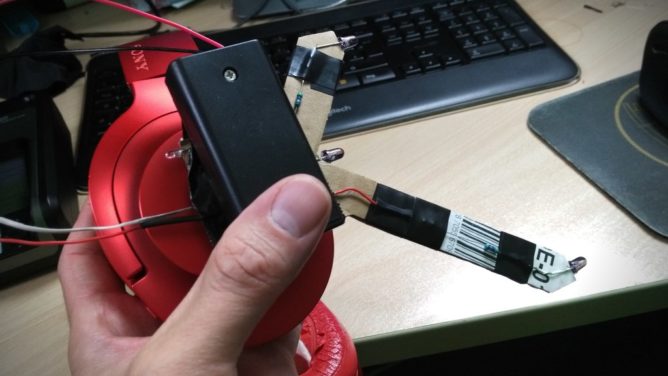
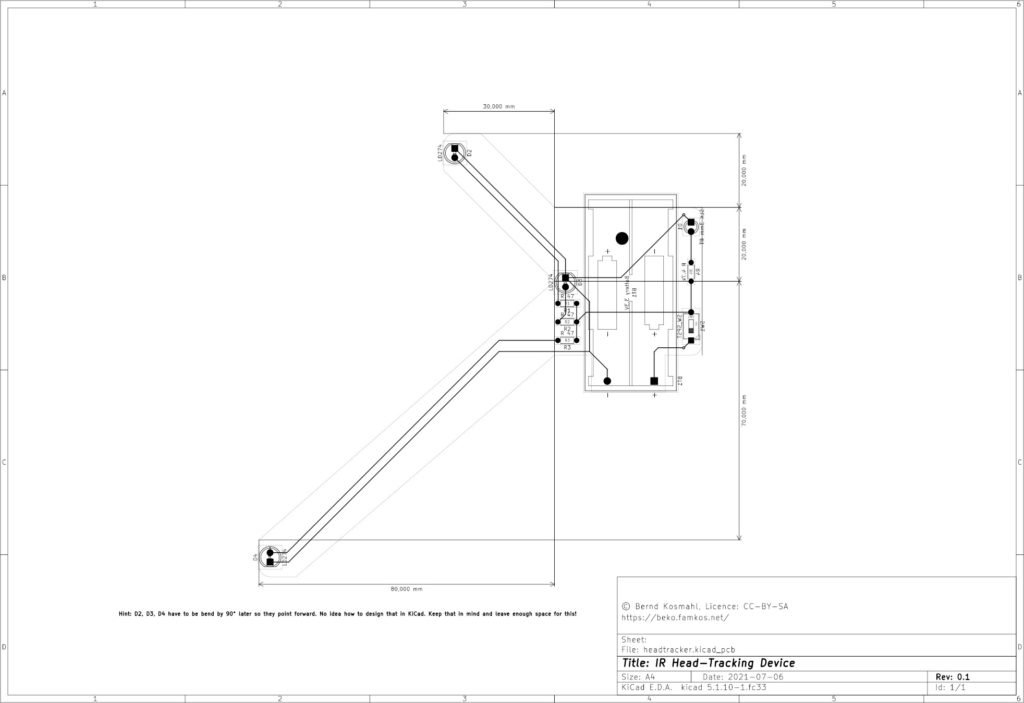
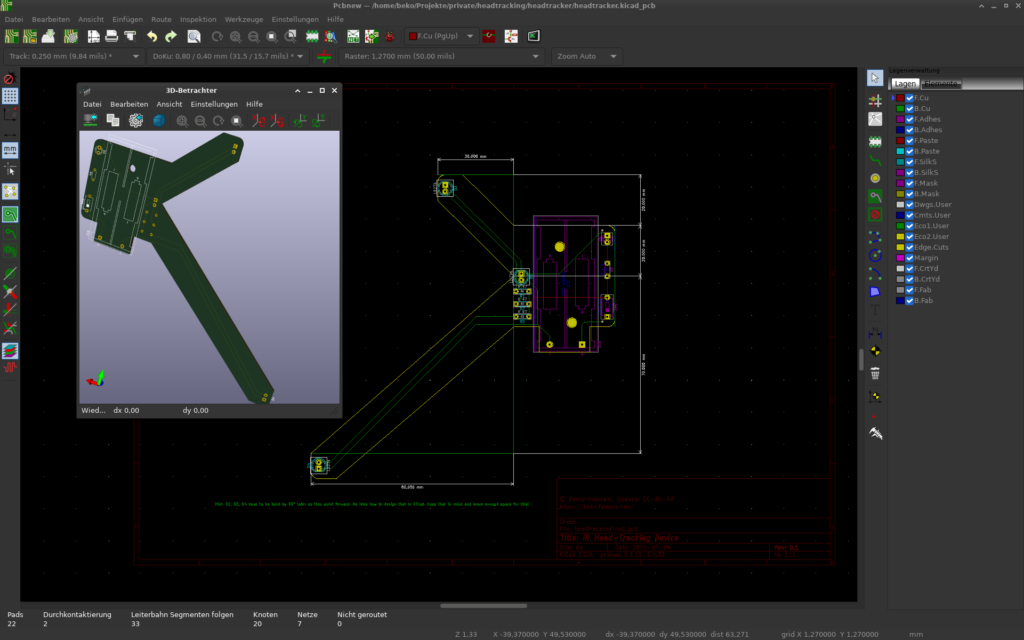
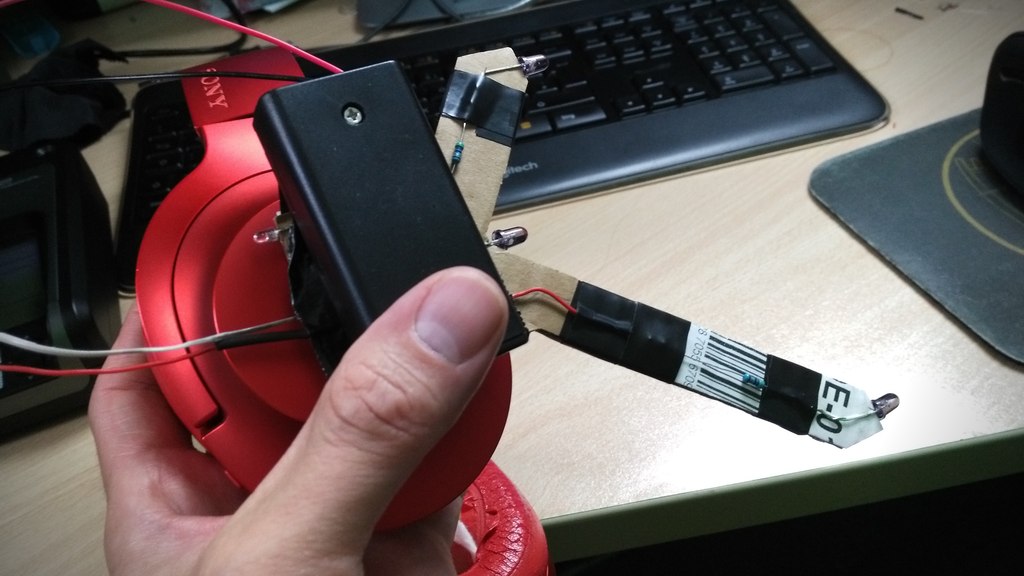
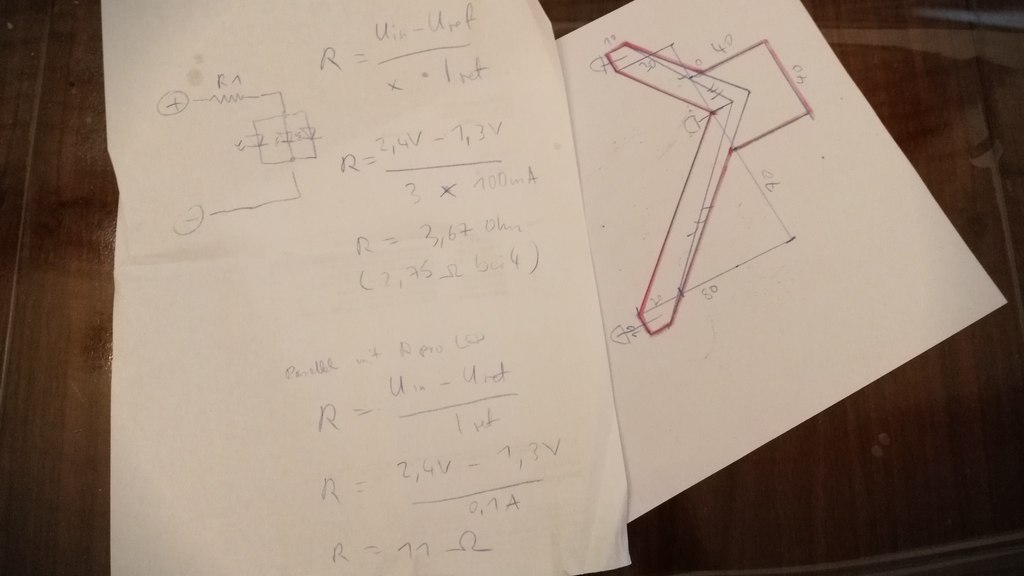
Head tracking is awesome. And I knew I want it. So I started prototyping. For this I went with a simple design that I eventually implemented on cardboard. It looks hilarious but it gets the job done.
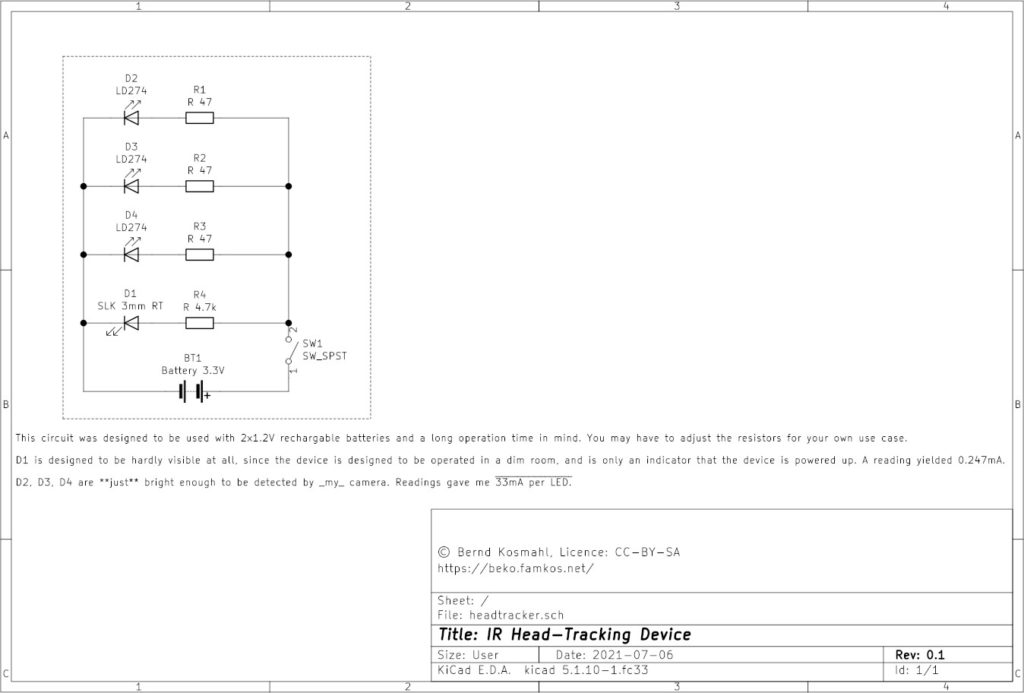
The focus was on a long life cycle so I wouldn’t have to replace the rechargables in the middle of a session. To get this right I checked with the camera that I was going to use. See (video above), this is way to bright and by trying various resistors I could get this down to 33mA per LED and still get a decent detection rate with Opentrack.
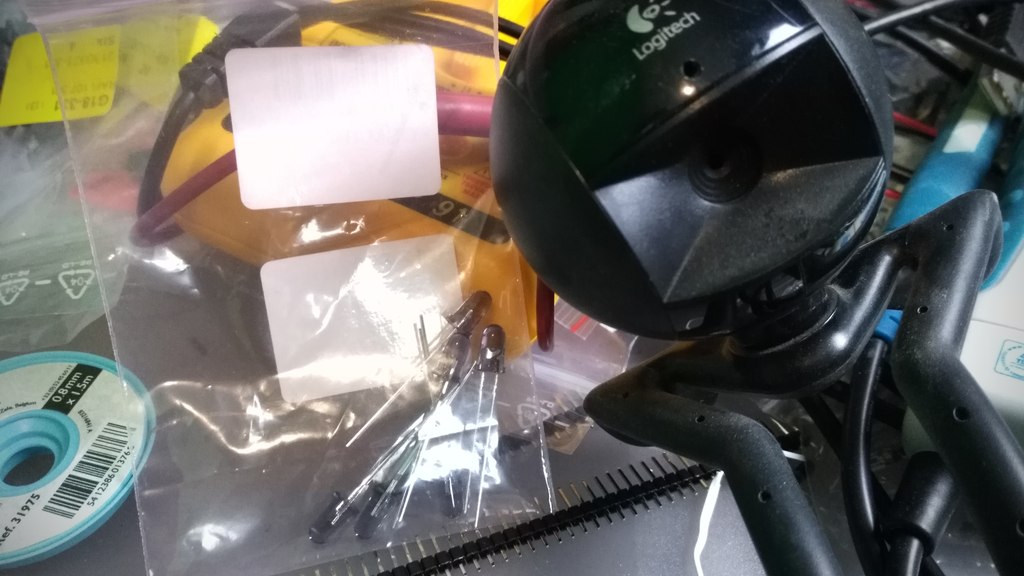
Speaking about the camera. That’s nothing special. It’s a dead cheap 480p Logitech QuickCam Communicate STX that I got from a discounter a decade ago. It was so cheap it doesn’t even _have_ an infra-red filter that I’d have to remove first.
I used tape to attach the salvaged camera cover of a dead G20 controller. That’s a Wii Remote knock-off that does basically the same thing like a headtracker. Various other foils can be used for this as well, as long as they permit infra-red. The idea is to reduce or remove all other light waves but infra-red.
The trick is to also turn off auto exposure and fiddle with the contrast and sharpness until a decent frame rate and a clear infra-red wave source by the LED can be seen.
When I was satisfied with my meter readouts, and my highly professional scribbles, I started working on the prototype while streaming the whole process on the Discord channel of the awesome Fly Dangerous project. If you like racing with a space ship give it a shot.
The prototype is made of cardboard that doubles as isolation for the polarity. The rest is tape and hook-and-loop fastener to attach the headtracker to my headphones. No magic here. The whole contraption is powered by two 1.2V rechargeables. I opted for a micro switch and an additional LED as power indicator, that I dimmed down even more. I can after all not see infra-red so this seemed like a good idea to me. Spoiler: It is.
So how does it play? Over the next weeks I tried basically any game supporting head tracking that I could get my hands on. Please keep in mind that I usually play with lights off but started the studio lights for demo purposes. The tracker does still work just fine.
I quickly found out that each game needs it’s own profile for fine tuned settings. Good thing that Opentrack has me covered on this. First, my beloved X4 using Wine and the TrackIR protocol.
Sadly I came to the conclusion that my GPU is no longer up for the task and Wine would cost me too many frames. I switched Opentrack to emulate a joystick instead and mapped it to camera movements in the native X4 version. It’s not exactly the same but it’s okay-ish. I have an idea how to hack this properly into X4 using an extension and a UDP server but that’s a topic for another day.
Anyway, the same principle works with X Rebirth too, making me even happier. While dated it still has it’s charm and the verse still feels a lot more alive compared to X4. It’s also not taxing my GPU that much.
Now for something different. When Opentrack would list a “protocol” named FlightGear I became very curious. I installed this free and open source flight simulator and crashed my first Cessna into the ground minutes later. By now I’m confident that I can crash a Cessna just about anywhere. I’m not fond of flying in real-life but avionics sure are a fascinating topic.
This was the moment a Steam sale happened and I bagged various flight sims, Space Kerbal and House Of The Dying Sun. All with TrackIR support.
Little did I know what gem I bagged with House Of The Dying Sun by the way. Sadly it’s also very short but I enjoyed every minute of it and will probably play it again. The art, sound and music reminds me a lot of Battlestar Galactica. Easy win 😀
So yeah, this is my current gaming set-up. I built myself a head tracker for 5 EUR. On Linux PC.
I also may have fallen into the rabbit hole called “simpit”.